


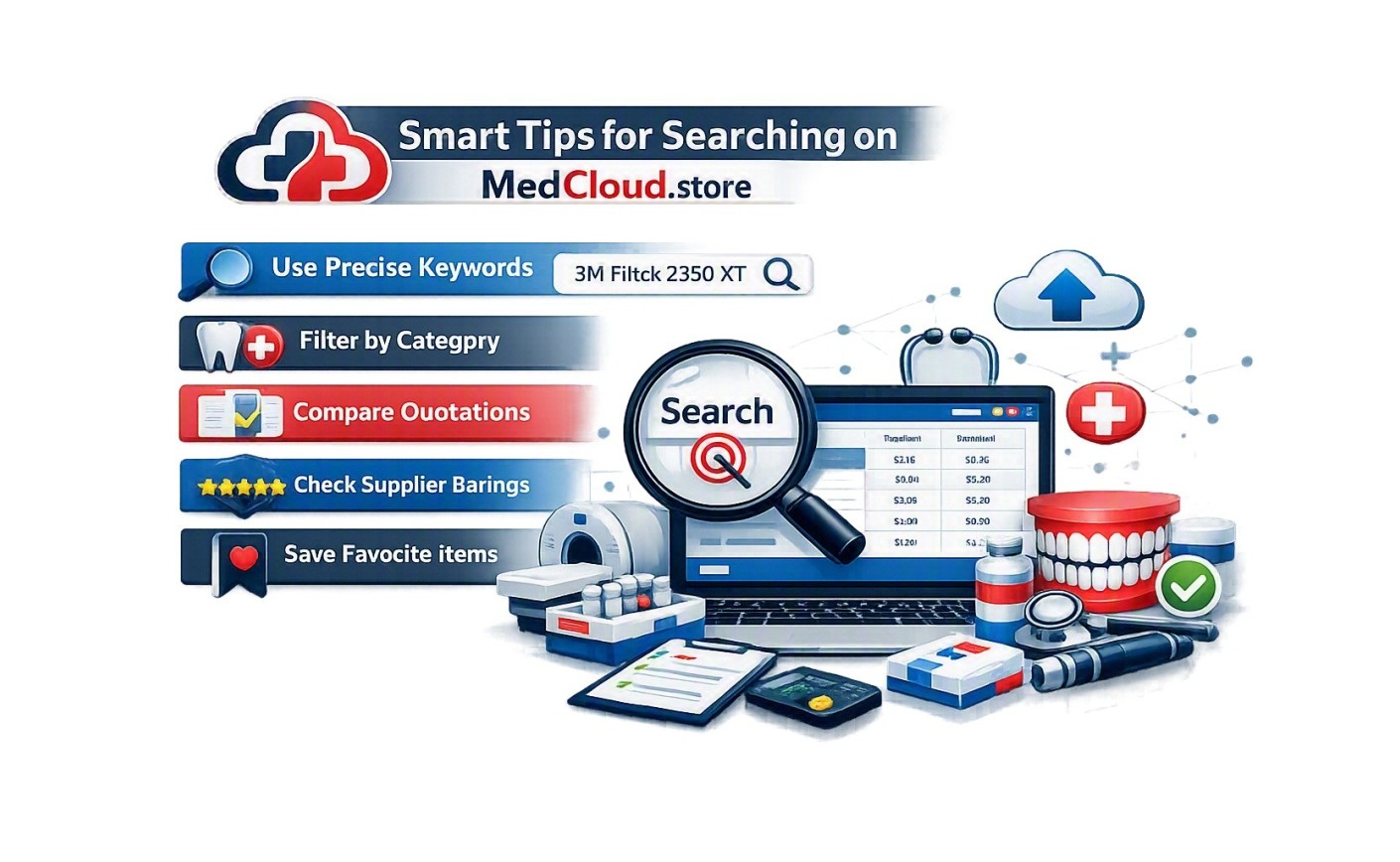
MedCloud.store offers access to more than 85,000 medical and dental products from various specialties and suppliers. To ensure a fast and accurate search experience, here are some practical tips:
? 1. Use the Exact Product Name
When searching by name, type the full product name or accurate keywords to get better matching results.
Example: Searching for "Digital Thermometer" is better than just "Thermometer".
#️⃣ 2. Search by Product Code or Reference Number
If you have the product code (SKU or REF), using it is the fastest way to find the exact item.
Example: Entering "REF-12345" will take you straight to the product page.
? 3. Browse by Medical Category
Not sure about the exact name or code? You can browse by category such as:
- Surgical Instruments
- Dental Supplies
- Diagnostic Devices
- General Medical Consumables
❌ 4. Can’t Find the Product?
If your search does not return the expected product, try the following:
- Choose a similar product from the same category.
- Select a product under the "Any Brand" label to submit an open-spec quotation request.
This allows suppliers to offer matching alternatives based on your needs.
✅ Important Reminder:
Every product on the platform includes a photo, technical specs, and item code. Always review the details before submitting a Request for Quotation (RFQ).
? Want to Request a New Product?
Feel free to contact the MedCloud support team to request adding new items or ask for suggestions and alternatives.


Leave a Reply Cancel Reply